Is Airtable a CRM? What It Can (and Can't) Replace
The Short Answer: Airtable Is Not a CRM — But It Tries Hard to Look Like One
If you've ever built a contact tracker in Airtable, linked it to a deals table, and thought, "Wait, this actually works" — you're not alone. Thousands of founders, freelancers, and small teams use Airtable as a makeshift CRM every day. It's flexible, visual, and far more powerful than a plain spreadsheet.
But here's the honest answer: Airtable is a relational database tool, not a CRM. The difference matters more than most people realize — especially once your pipeline starts growing and you need automation, communication history, and a true unified view of every customer relationship.
This article breaks down exactly what Airtable can and can't do, who it actually works for, and when it's time to graduate to a purpose-built CRM.
What Airtable Actually Is (And Why It Feels Like a CRM)
Airtable is best described as a no-code relational database with a beautiful interface. You can create tables, link records, filter views, and build automations — all without writing a line of code. It launched in 2012 and has positioned itself as the
flexible middle ground between a spreadsheet and a full application builder. Think of it as Excel if Excel had gone to design school and learned how to connect data across tables.
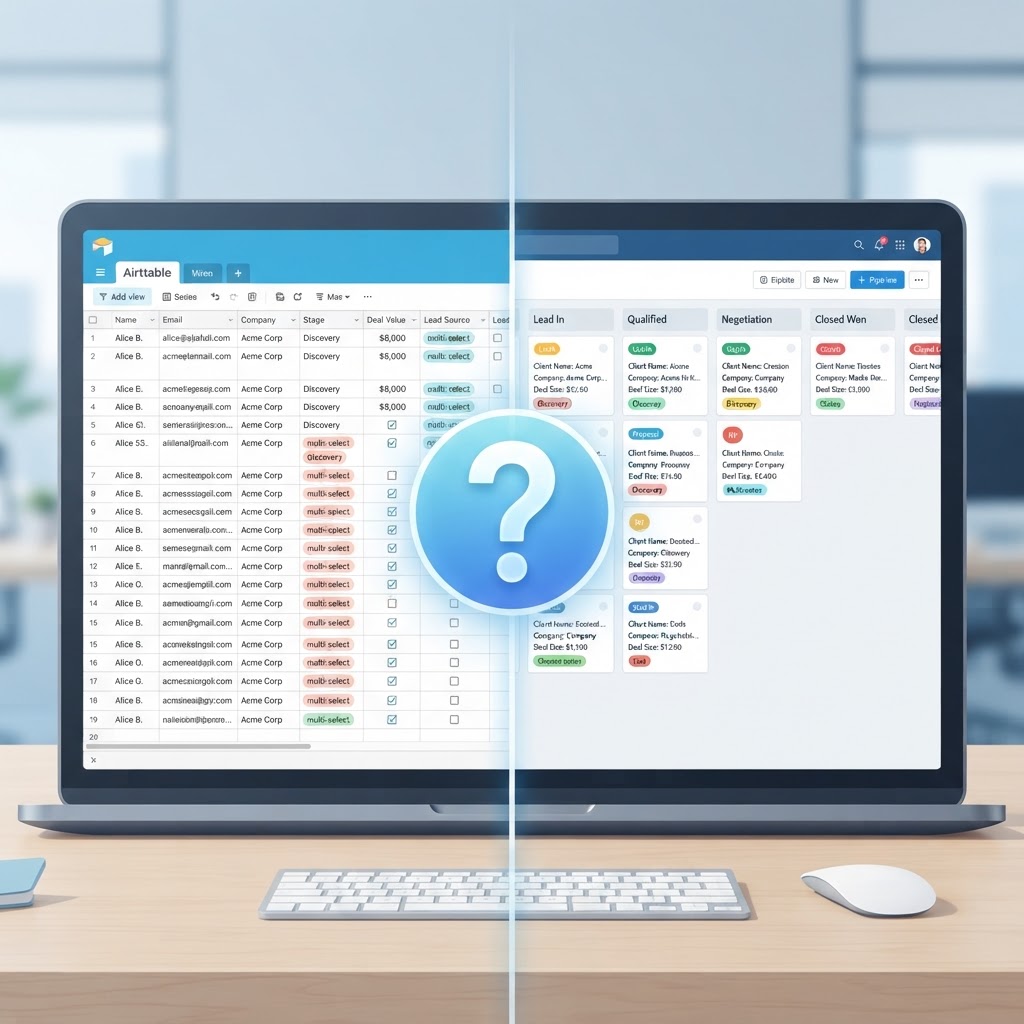
So why does it feel like a CRM? Because the structure of a CRM isn't complicated. A contact table. A deals table. Some tasks. Link them together and you have a rough pipeline. Airtable makes that setup genuinely easy, which is why so many people stumble into using it as one.
What Airtable Does Well as a Makeshift CRM
To be fair, Airtable has real strengths that explain its popularity as a lightweight relationship tracker. Here's where it genuinely shines:
Visual flexibility: Grid, Kanban, Gallery, Calendar, and Gantt views let you see your pipeline in whatever format suits you best.
Relational data: You can link contacts to deals, deals to companies, and companies to tasks — creating a web of connected records that a flat spreadsheet can't replicate.
Custom fields: Phone numbers, attachments, dropdowns, checkboxes, ratings — you build exactly the data model you need.
Automations: Trigger emails, Slack messages, or record updates when conditions are met, without writing code.
Collaboration: Multiple team members can work in the same base simultaneously, leave comments on records, and tag each other.
Low cost to start: The free plan is genuinely usable, and the learning curve is shallow enough that a solo founder can build something functional in an afternoon.
For a freelancer tracking 20 clients, or a startup founder managing early sales conversations, that feature set is often enough. The problem emerges when your needs grow beyond data storage.
Where Airtable Falls Short as a True CRM
This is the section most Airtable-as-CRM tutorials skip. The gaps are real, and they become critical pain points at scale.
No Native Communication Tracking
A real CRM captures every email, call, and meeting automatically and ties it to the right contact record. Airtable does not. You can manually paste notes into a field, but there is no Gmail or Outlook sync that logs communication history natively. This means your unified view of the customer is always incomplete — you're only seeing what someone remembered to type in.
No Pipeline Intelligence
Airtable has Kanban boards, but they are static. A purpose-built CRM tracks deal velocity, flags stalled opportunities, surfaces at-risk accounts, and tells you which rep is underperforming. Airtable just shows you cards. The difference between a board that displays data and a pipeline that analyzes it is enormous once you have more than a handful of deals.
No Built-In Outreach or Sequences
CRMs like HubSpot or purpose-built tools let you enroll contacts into email sequences, track opens and clicks, and automate follow-ups based on behavior. Airtable has automations, but they are not designed for sales cadences. You would need to stitch together Zapier, an email tool, and Airtable to approximate what a CRM does natively — and that stack breaks, costs money, and requires maintenance.
Reporting Is Shallow
Want to know your close rate by lead source, average deal size by rep, or revenue forecast for next quarter? In a real CRM, those are standard reports. In Airtable, you are building pivot tables from scratch or exporting to another tool. It is technically possible, but it is not what Airtable was built for.
The Unified View Problem
This is the biggest gap. A CRM exists to give every person on your team a single, complete picture of each customer relationship — their history, their open deals, their support tickets, their billing status, their last touchpoint. Airtable stores data in tables, but assembling that full picture requires significant manual effort and custom setup. As your business grows, those manual dependencies become bottlenecks. To understand more about what a true unified view means in practice, our complete guide to CRM fundamentals covers the concept in depth.
The Notion Parallel: DIY Tools vs. Purpose-Built Systems
Airtable is not alone in this category. Notion is another popular choice for teams trying to build their own CRM from scratch. Both tools share the same fundamental trade-off: maximum flexibility in exchange for zero out-of-the-box CRM functionality.
If you've explored building a personal CRM in Notion, you'll recognize the same pattern — you can get surprisingly far with a custom setup, but you eventually hit the ceiling of what a general-purpose tool can do for relationship management. Building a personal CRM on Notion works for individual use cases, but team-level pipeline management requires something more structured.
The honest framing: DIY database tools are great for organizing customer data. They are not built for acting on it.
Who Should Actually Use Airtable as a CRM
Rather than a blanket recommendation, here is a practical breakdown of who gets real value from Airtable as a CRM substitute — and who should look elsewhere immediately.
Airtable Works If You Are:
A solo founder or freelancer with fewer than 50 active contacts
A team that primarily needs a shared contact database with no outreach requirements
Running a project-based business where relationships are tied to deliverables, not ongoing sales cycles
Already heavily using Airtable for operations and want a lightweight contact layer without adding another tool
In a pre-revenue or very early stage where the cost of a CRM is genuinely prohibitive
You Need a Real CRM If You Are:
Running any kind of sales team, even a team of two
Tracking deals through multiple stages with win/loss reporting
Sending outbound emails or managing follow-up sequences
Needing visibility into communication history for any contact
Scaling past the point where manual data entry is sustainable
Expecting to forecast revenue or measure pipeline performance
Airtable vs. Purpose-Built CRMs: Quick Comparison
Feature | Airtable | Purpose-Built CRM |
|---|---|---|
Contact & deal storage | ✅ Yes | ✅ Yes |
Email/call history logging | ❌ Manual only | ✅ Automatic |
Pipeline analytics & forecasting | ❌ Limited | ✅ Native |
Email sequences & outreach | ❌ Requires integrations | ✅ Built-in |
Unified customer view | ⚠️ Manual assembly | ✅ Automatic |
AI-driven automation | ❌ Minimal | ✅ Yes (modern CRMs) |
Setup time | ⚠️ Hours to days | ✅ Minutes to hours |
Cost to start | ✅ Free tier available | ✅ Free tiers available |
Expert Take: The Hidden Cost of DIY CRM Tools
Here's a perspective most comparison articles won't give you: the real cost of using Airtable as a CRM is not the subscription price — it's the opportunity cost of poor data.
Every time a deal slips through because no one remembered to follow up, every time a customer calls and your rep has no context, every time you can't answer. Plus, DIY CRMs are not as secure as traditional platforms.
Ready to replace HubSpot?
Start your 14-day free trial of the all-in-one AI CRM that sells for you.
Start Free TrialAbout 1stContact.ai
1stContact.ai is the all-in-one AI CRM platform built for B2B agencies and SMBs. It replaces HubSpot, Calendly, ActiveCampaign, and RingCentral with a single platform that includes Voice AI for 24/7 inbound call handling, A2P SMS marketing, pipeline management, email automation, local SEO directory sync, and the full IMPACT TOOLS suite.
With plans starting at $97 per month and unlimited users and contacts on every plan, 1stContact.ai delivers enterprise-grade capabilities at a fraction of the cost of competing CRMs. Key features include an AI voice agent that answers calls and books appointments, Conversation AI that handles SMS and web chat, automated lead follow-up that responds within the critical first five minutes, and built-in business coaching.
1stContact.ai is headquartered in Minneapolis, MN and serves businesses across the United States. To learn more, explore our features, compare CRM costs, browse our resource library, or book a strategy call with our team.